How to Use Your Cell Phone on a Cruise Without a Surprise Bill
A practical guide to airplane mode, ship Wi-Fi, Cellular at Sea, Wi-Fi calling, and port-day roaming — so you stay connected on your cruise without coming home to a shocking phone bill
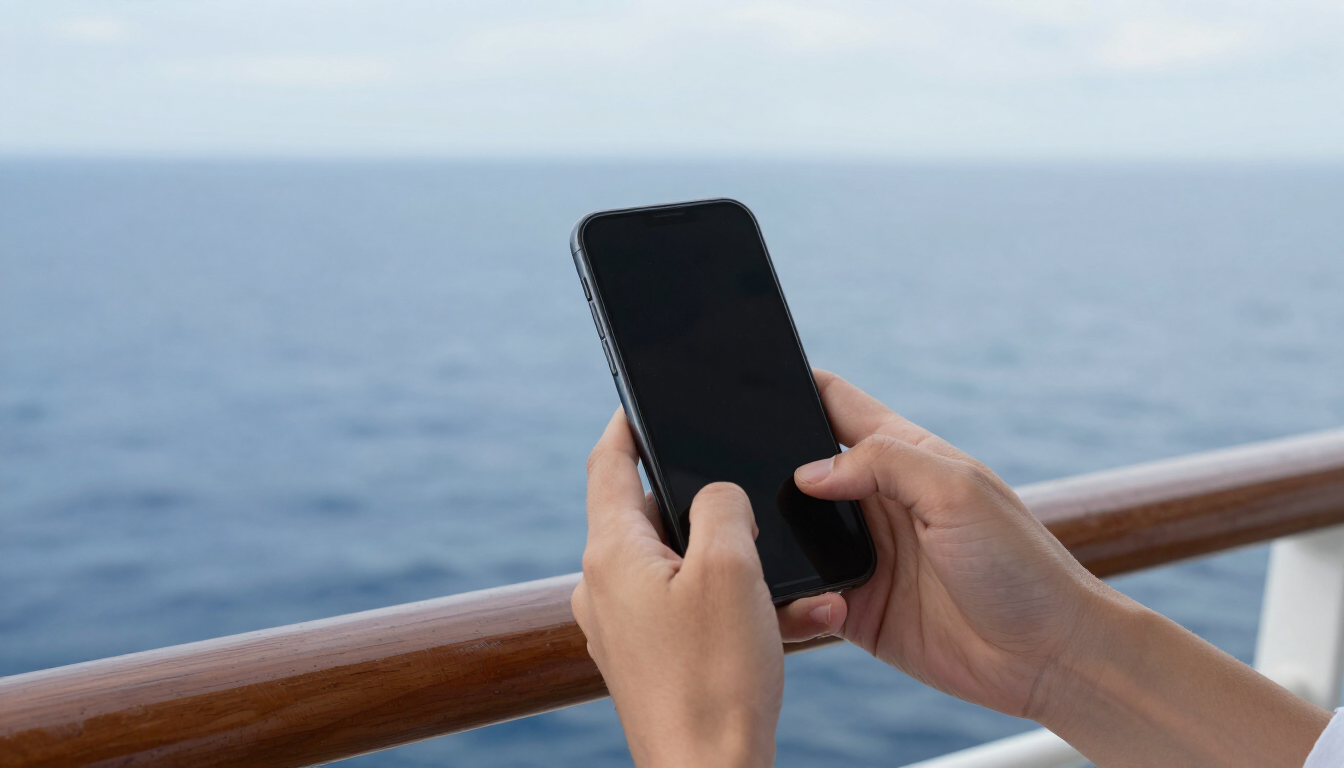
A practical guide to airplane mode, ship Wi-Fi, Cellular at Sea, Wi-Fi calling, and port-day roaming — so you stay connected on your cruise without coming home to a shocking phone bill
The single most common source of unexpected charges after a cruise is not the bar tab or the spa — it is a phone that was left on the wrong setting the moment the ship left port. After more than 80 personal cruises, Cindy and I have watched too many travelers come home to a cellular bill that rivaled the cost of the cruise itself. The good news is that every one of those surprise bills is avoidable. This guide walks through exactly how to use your cell phone on a cruise ship safely, when to rely on ship Wi-Fi, how Cellular at Sea and maritime roaming work, and what to do in port. Updated August 26, 2026.
Airplane Mode: The One Setting That Protects You
The moment the ship pulls away from the dock, your phone can start searching for a signal and connect to the ship's cellular network — a maritime roaming service often called Cellular at Sea. That connection is billed at premium roaming rates, and a phone in your pocket can rack up charges without you ever placing a call or opening an app. Background data — email syncing, app updates, photo backups — is the silent culprit.
The fix is simple: turn on Airplane Mode before the ship leaves port and leave it on for the entire time you are at sea. Airplane Mode disables cellular, Wi-Fi, and Bluetooth, but you can then turn Wi-Fi (and Bluetooth) back on manually while keeping the cellular radio off. This is the single most important habit on this list. With Airplane Mode on and Wi-Fi enabled, your phone cannot accidentally roam on the maritime network.
Ship Wi-Fi Versus Cellular Service
On a cruise, your two connectivity options are the ship's Wi-Fi network (sold as an internet package) and cellular service through the maritime network. They are completely separate and billed separately. Ship Wi-Fi is the connection you buy from the cruise line; cellular at sea is the connection your phone uses if it is not in Airplane Mode and roams onto the ship's cellular network.
For almost every traveler, ship Wi-Fi is the better and more predictable option. You buy a package for the sailing (or per day), you know the cost up front, and you control exactly when you are connected by joining or leaving the network. Cellular at sea, by contrast, is billed through your mobile carrier at premium per-minute and per-megabyte rates that can add up to hundreds of dollars in a single day if you are not careful.
Most modern cruise ships now use satellite internet that is fast enough for messaging, email, web browsing, and social media. Streaming video is often restricted or much slower, and video calls may not work reliably. Royal Caribbean's VOOM service is marketed as high-speed internet at sea; check your specific cruise line's current package options and pricing before you sail. See Royal Caribbean's <a href="https://www.royalcaribbean.com/faq/topics/onboard-internet-device-service" target="_blank" rel="noopener noreferrer" class="text-gold hover:text-gold/80 underline underline-offset-2 transition-colors">onboard internet guide</a> for an official example.
Cellular at Sea and Maritime Roaming
Cellular at Sea is the maritime cellular network installed on many cruise ships. If your phone is not in Airplane Mode, it may automatically connect to this network just as it would to any roaming partner. Once connected, voice calls and data are billed at cruise roaming rates through your home carrier — and those rates are far higher than normal domestic or even international roaming.
The carriers offer specific cruise passes that let you use your phone on the maritime network for a set daily rate. Verizon offers a Cruise Daily Pass, and AT&T's International Day Pass explicitly covers use on participating cruise ships. T-Mobile offers cruise roaming plans you can look up by itinerary. These passes are the only safe way to use cellular service at sea — but for most travelers, ship Wi-Fi plus Wi-Fi calling is simpler and cheaper. Always confirm current rates and coverage directly with your carrier before you sail, because pricing and participating ships change.
Wi-Fi Calling: The Best Free Tool at Sea
Wi-Fi calling lets your phone place and receive calls and texts over a Wi-Fi network instead of a cellular network. If your carrier and phone support it (most modern iPhones and Android phones on the major US carriers do), you can make calls and send texts to US numbers over the ship's Wi-Fi without using cellular roaming at all.
The setup that works for us on every sailing: turn on Airplane Mode, then turn Wi-Fi back on and connect to the ship's network, then enable Wi-Fi calling in your phone's settings before you sail. With this combination, calls and texts to US numbers route over Wi-Fi and are billed as if you were at home (or are included in your plan), while the cellular radio stays off and cannot generate roaming charges. Test Wi-Fi calling from a home Wi-Fi network before your trip so you know it is active and working.
One important caveat: Wi-Fi calling over ship internet depends on the quality of the ship's satellite connection. It generally works for voice calls and texts, but it can be unreliable for emergency calls, and it does not support every international destination. Never rely on Wi-Fi calling as your only emergency communication method at sea.
iMessage, WhatsApp, Email, and App Use Over Wi-Fi
Once you are on ship Wi-Fi with Airplane Mode on, most messaging apps work the same way they do at home — just slower. Apple's iMessage and FaceTime audio work over Wi-Fi. WhatsApp, Signal, and similar internet-based messengers work over Wi-Fi. Email syncs over Wi-Fi. Social media apps load over Wi-Fi. The key is that all of this traffic goes through the ship's internet package, not the cellular network, so it does not generate roaming charges.
Standard SMS text messages are different. Green-bubble SMS texts route over the cellular network, not Wi-Fi, so they will not send or receive while you are in Airplane Mode unless Wi-Fi calling is active and your carrier supports SMS over Wi-Fi. If you need to message someone who does not use iMessage or WhatsApp, Wi-Fi calling with SMS-over-Wi-Fi support is the answer — otherwise plan to send those texts from port.
Verizon, AT&T, and T-Mobile Considerations
Each major US carrier handles cruise connectivity differently, and the details change often enough that you should always verify with your carrier before you sail. Here is the current landscape as of this update, with official source links so you can confirm current pricing and coverage.
Our honest recommendation after 80-plus cruises: for most travelers, the cheapest and safest setup is Airplane Mode plus a ship Wi-Fi package plus Wi-Fi calling. Add a carrier cruise pass only if you specifically need cellular voice or text reachability at sea and cannot wait for port.
What eSIMs Can and Cannot Do at Sea
eSIMs are a great tool for international travel on land, but they do not solve the cruise connectivity problem. An eSIM is a digital SIM profile that lets your phone connect to a cellular network without a physical SIM card. Travel eSIMs (from providers like Airalo, Holafly, and others) give you data in a destination country at local rates — useful when you are in port or spending time on land.
However, no travel eSIM connects to the maritime Cellular at Sea network. eSIMs only work when you are within range of a land-based cellular network — meaning in port or near shore. At sea, an eSIM is useless for data, and it does not give you ship Wi-Fi. So an eSIM is a port-day tool, not an at-sea solution. If you sail with an eSIM installed, keep your physical line in Airplane Mode at sea and switch to the eSIM only when you are in a covered country on land.
Port-Day Roaming: When You Can Use Your Phone Normally
In port, the rules change completely. When the ship is docked, your phone can connect to land-based cellular networks just as it would on any international trip. This is where a travel eSIM, a carrier international pass, or your plan's included roaming becomes useful. You can use maps, messaging, and data in port without the premium maritime rates — subject to whatever international roaming arrangement your plan or pass includes.
A few port-day habits that save money and hassle: download offline maps for each port before you sail so you can navigate without data; confirm your carrier's coverage for each specific country on your itinerary before you leave; and switch back to Airplane Mode the moment you reboard the ship so you do not accidentally roam onto Cellular at Sea as the ship departs. Many travelers do all their calling, texting, and photo uploading on port days and stay disconnected at sea.
A Before-Boarding Phone Checklist
Using the Free Cruise Life App Before and During Your Trip
A lot of the information travelers end up needing a phone for at sea — your countdown, packing list, budget, and itinerary — can be handled offline by the free Cruise Life app before and during your sailing. Download it before you leave home and load in your sailing details, packing checklist, and budget. Because the core planning features work without a live connection, you can reference your packing list, countdown, and cruise plans on the ship even when you are not paying for Wi-Fi.
This is one of the easiest ways to cut down on the data you actually need at sea. If your packing list, daily plans, and budget are already on your phone in the Cruise Life app, you are not burning ship Wi-Fi looking things up or re-downloading documents. Pair the app with Airplane Mode and a modest Wi-Fi package for messaging, and you will stay organized and connected without the surprise bill.
Sources and Further Reading
Carrier and cruise-line policies change. Verify current rates and coverage directly with these official sources before you sail (updated August 26, 2026):